
Naver Maps vs Kakao Map: Google Maps barely works in Korea. Compare 네이버 지도 and 카카오맵, and learn 길찾기, 환승, and 출구 to get around Korea with confidence.
You land at Incheon, open Google Maps to find your hostel, and… nothing. No walking directions. Half the restaurants missing. That little blue dot spinning uselessly.
Here's the thing nobody warns you about: Google Maps barely works in South Korea. The two apps locals actually live by are Naver Maps and Kakao Map, and once you know how to use them (plus a handful of Korean words), getting around Korea suddenly feels easy.
Why This Matters More Than You Think
If you've traveled anywhere else, you probably assume Google Maps just works. In Korea, it doesn't — mostly because of local mapping laws that keep detailed street data out of foreign services.
That means walking navigation is unreliable and lots of businesses simply won't show up. For a Korean learner, this is actually a gift in disguise. Using a Korean map app forces you to read real hangul in the wild — station names, neighborhoods, restaurant signs — and that repetition sticks fast.
So this post does two things. It helps you pick the right app, and it teaches you the actual Korean vocabulary you'll tap and read a hundred times a day.
Naver Maps vs Kakao Map: The Quick Breakdown
Both apps are excellent, and honestly you can survive on either. But they have different strengths.
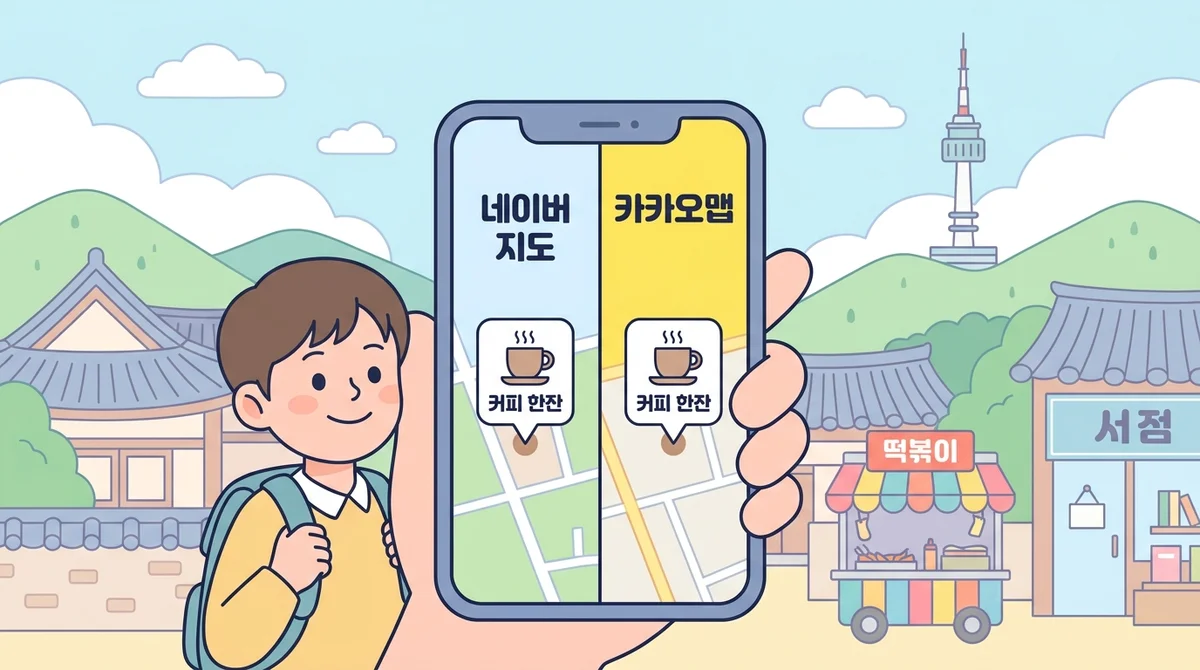
Naver Maps — called 네이버 지도 (neibeo jido) — is the most popular overall. 지도 (jido) just means "map." Naver tends to have the richest business info: reviews, menus, opening hours, and a lot of blog content attached to places.
Kakao Map — 카카오맵 (kakao maep) — is loved for clean navigation and public transport. It's also tied to the KakaoTalk ecosystem most Koreans already use every day.
Here's how they stack up:
| Feature | Naver Maps (네이버 지도) | Kakao Map (카카오맵) |
|---|---|---|
| Business info & reviews | Excellent | Good |
| Public transport routing | Very good | Excellent |
| Walking directions | Good | Very good |
| English support | Solid | Solid |
| Taxi/driving | Good | Excellent (Kakao T linked) |
| Overall for tourists | Great all-rounder | Great for transit + taxi |
My honest recommendation? Download both. They're free, and when one is missing a restaurant, the other often has it. If you only want one, start with 네이버 지도 (neibeo jido) for its depth of place information.
The Korean Words You'll Actually Tap
You don't need to switch either app to Korean, but knowing these words helps you read signs, confirm results, and sound natural when asking for directions. Learn these and the whole experience changes.
- 지도 (jido) — map
- 길찾기 (gilchatgi) — find directions / route ("길 gil" = road, "찾기 chatgi" = finding)
- 출발 (chulbal) — departure / start point
- 도착 (dochak) — arrival / destination
- 지하철 (jihacheol) — subway
- 버스 (beoseu) — bus
- 도보 (dobo) — walking / on foot
- 역 (yeok) — station
- 정류장 (jeongnyujang) — bus stop
- 환승 (hwanseung) — transfer (between buses/subways)
- 출구 (chulgu) — exit
- 소요시간 (soyosigan) — travel time / duration
- 근처 (geuncheo) — nearby
That last one is gold. Type 근처 맛집 (geuncheo matjip) — "nearby good restaurants" — into either app and watch the magic happen. 맛집 (matjip) literally means "tasty house," i.e. a spot known for good food.
Common Mistakes Learners Make
1. Trusting Google Maps. I said it above but it bears repeating. You'll waste time and get lost. Switch mindsets before you land.
2. Searching in English only. English search works for big landmarks, but smaller places are indexed in Korean. If a café isn't showing up, try typing its Korean name.
3. Ignoring the exit number. Korean subway stations are huge, sometimes with 15+ exits. The app will tell you 몇 번 출구 (myeot beon chulgu) — "which exit number." Missing this means an extra 10-minute walk underground.
4. Confusing 출발 and 도착. New learners set their destination as the departure point by accident. Remember: 출발 (chulbal) is where you start, 도착 (dochak) is where you arrive. A quick memory trick — 도착 (dochak) sounds a bit like "dock," where a ship arrives.
5. Not reading the transport icons. Both apps color-code routes by 지하철 (jihacheol), 버스 (beoseu), and 도보 (dobo). Learn those three words and you can pick your route at a glance without any translation.
Step-by-Step: Getting Directions in Naver Maps
Let's walk through a real route. The steps are nearly identical in Kakao Map, so this works for both.
- Open the app and find the search bar. Type your destination — English or Korean.
- Tap the place, then tap 길찾기 (gilchatgi) — the directions button.
- Set your points. The app usually fills in your location as 출발 (chulbal). Confirm your 도착 (dochak) destination is correct.
- Choose your mode. You'll see tabs for 지하철/버스 (jihacheol/beoseu) transit, 도보 (dobo) walking, and driving. Tap the one you want.
- Check the details. Look at 소요시간 (soyosigan) for how long it takes, note any 환승 (hwanseung) transfers, and — crucially — the 출구 (chulgu) exit number at the end.
- Start moving. Follow the highlighted route. For subway trips, the app tells you which train car to board for the fastest transfer.

That's it. Once you've done it twice, it's muscle memory — and you'll be reading those Korean labels without thinking.
Real-Life Example Sentences & Mini-Dialogues
Maps are great, but sometimes you'll still ask a human. Here are phrases that pair perfectly with what you see on screen.
Asking for directions:
A: 저기요, 홍대입구역이 어디예요?
(jeogiyo, hongdae-ipgu-yeogi eodiyeyo?)
"Excuse me, where is Hongik University Station?"
B: 이쪽으로 쭉 가세요.
(ijjogeuro jjuk gaseyo.)
"Go straight this way."
Confirming the exit:
A: 몇 번 출구로 나가요?
(myeot beon chulgu-ro nagayo?)
"Which exit number do I go out?"
B: 4번 출구요.
(sa-beon chulgu-yo.)
"Exit number 4."
Checking how long it takes:
A: 여기서 얼마나 걸려요?
(yeogiseo eolmana geollyeoyo?)
"How long does it take from here?"
B: 지하철로 20분쯤 걸려요.
(jihacheol-lo isip-bun-jjeum geollyeoyo.)
"It takes about 20 minutes by subway."
Asking about a nearby spot:
A: 이 근처에 맛집 있어요?
(i geuncheo-e matjip isseoyo?)
"Is there a good restaurant nearby?"
B: 네, 저 앞에 있어요.
(ne, jeo ape isseoyo.)
"Yes, it's right up ahead."
Notice how these mirror the app labels — 출구 (chulgu), 지하철 (jihacheol), 근처 (geuncheo). That overlap is why map vocabulary is such an efficient thing to learn. You see it, you say it, it sticks.
Practice Tips: Make It Stick by Speaking
Here's the honest truth. You can memorize 길찾기 (gilchatgi) and 환승 (hwanseung) all day, but the words only become yours when your mouth has said them out loud, in a real exchange, under a little pressure.
Reading a map word silently is recognition. Confidently asking 몇 번 출구로 나가요? (myeot beon chulgu-ro nagayo?) to a stranger is a completely different skill — and it's the one you actually need in Korea.
This is exactly why I lean on Teuida for this kind of vocabulary. Teuida is a speaking-first app where you role-play real situations out loud — like asking a passerby for directions or confirming a subway exit — instead of just tapping flashcards. You'll practice these exact phrases in a K-drama-style scenario, out loud, in context.
The part that seals it: Teuida's AI pronunciation feedback scores how you say each line and shows you what to fix. It's the next best thing to having a Korean friend beside you correcting your 출구 (chulgu) vowel. Built by bilingual tutors, it's designed to turn "I recognize this word" into "I can say this word without freezing."
My tip: right after you learn today's words, open Teuida, run the directions scenario twice, and say every phrase loud enough that you'd be a little embarrassed if someone heard. That's the volume that builds real confidence.
Wrap-Up: You're Ready to Navigate Korea
Let's recap. Skip Google Maps in Korea. Download 네이버 지도 (neibeo jido) for rich place info and 카카오맵 (kakao maep) for transit and taxis. Learn the handful of words — 길찾기 (gilchatgi), 출발 (chulbal), 도착 (dochak), 환승 (hwanseung), 출구 (chulgu) — and you'll read the screen and the street signs without hesitating.
The map gets you to the door. Your Korean gets you the rest of the way — asking, confirming, connecting. And that only grows when you speak it.
Practice these directions phrases out loud in Teuida today, get your pronunciation scored, and step off the plane in Korea already sounding like you belong there.


